Decorate your avatar icon — or make your own
You can overlay decorations such as the fried shrimp or angel around your avatar icon. Besides the built-in presets, you can upload your own artwork to create an original decoration.
Adding a decoration
- In the editor, tap your avatar icon, then open "Avatar settings" from the pencil button at the bottom right.
- Pick a decoration under "Decoration". The preview updates immediately.
- The presets (fried shrimp, sparkle ring, pixel hearts, little devil, glitter, angel) are still images overlaid on your avatar.
- You can add one decoration "In front of avatar" and one "Behind avatar". Pick the position with the switch at the top, then choose a decoration. "Behind avatar" suits decorations that should peek out from behind, such as wings or a halo glow (any part covered by the avatar is hidden). You can also set separate custom images for the front and the back.
- As always, the public page updates when you press "Update".
Creating a decoration from your own image
You can supply your own image to overlay on your avatar. The key is to create it as a PNG with a transparent background.
Using the template
We provide a template image for positioning.
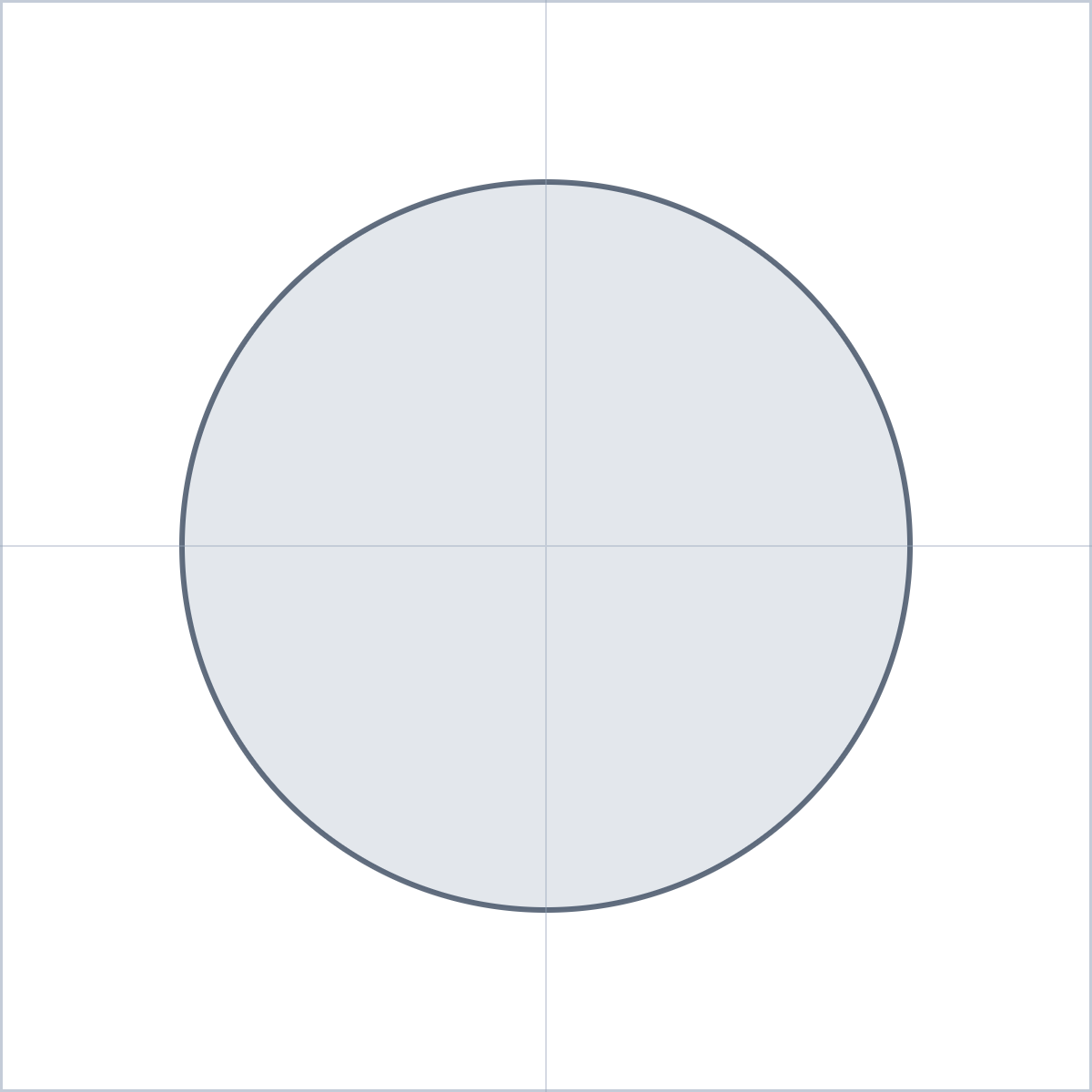
For a full list that also covers the intro card and schedule card, see Download all the creator templates.
How to read the template:
- The whole canvas (1200×1200) is the drawable area.
- The circle in the center (800px diameter) is where your avatar icon sits. Decorations can stick out beyond the circle — like ears or a halo.
- If you set the avatar "Shape" to Rounded or Square in the avatar settings, your icon fills the 800×800 square around this circle instead. The size and position of the decoration stay the same whichever shape you pick.
- The crosshair marks the center.
Steps
- Open the template in a drawing app (CLIP STUDIO PAINT, Procreate, ibisPaint, etc.).
- Create a new layer above the template and draw your decoration on it.
- Before exporting, hide the template (guide) layer.
- Export as PNG with the background kept transparent.
- Upload it from "Make a decoration from your image" in Avatar settings.
Notes
- Files up to 2MB. Larger images are automatically scaled down (long edge up to 1200px).
- JPEG has no transparency, so it would cover your whole icon with a rectangle. Use a transparent PNG.
- Uploaded images are kept in your image library and count toward your storage limit. If you stop using a decoration, you can delete the image from the library.
- You can distribute or sell decorations you made yourself, on BOOTH and elsewhere. See Distributing and selling your own decorations for the rules.
How it displays
- Decorations extend beyond the icon circle (up to the template's canvas area).
- Preset decorations are animated; your own image is static.
- For visitors with "reduce motion" enabled, preset animations are shown in their resting pose.