Download all the creator templates
On thamit you can make intro card and schedule card backgrounds and frames, and icon decorations, from images you drew yourself. This page collects every alignment template you can use as an underlay while drawing. All of them are free, and you can download them without logging in.
How to use a template
- Download the template you want and open it in your drawing app (CLIP STUDIO PAINT, Procreate, ibisPaint, and so on).
- Put the template on the top layer, then create a new layer below it and draw there.
- Hide the template (guide) layer before exporting.
- Save images that are layered on top, such as frames and decorations, as PNGs with a transparent background.
- Load your image into thamit and check that it doesn't overlap the text or images.
Intro card
Templates for making background and frame images for the intro card. All of them are 1600×900px transparent PNGs: gray marks where the text sits, and green marks the image frames.
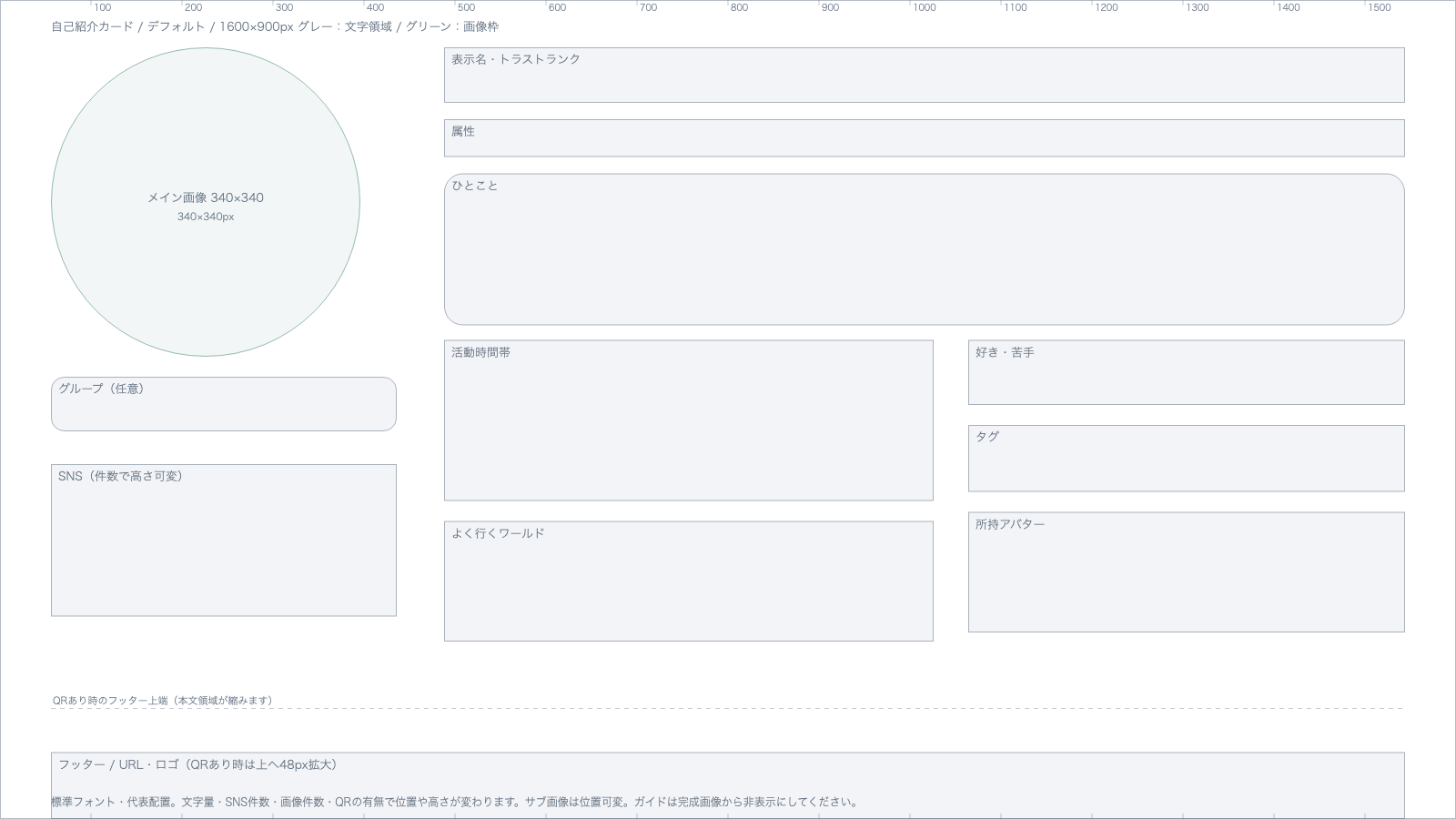
Default
Download Default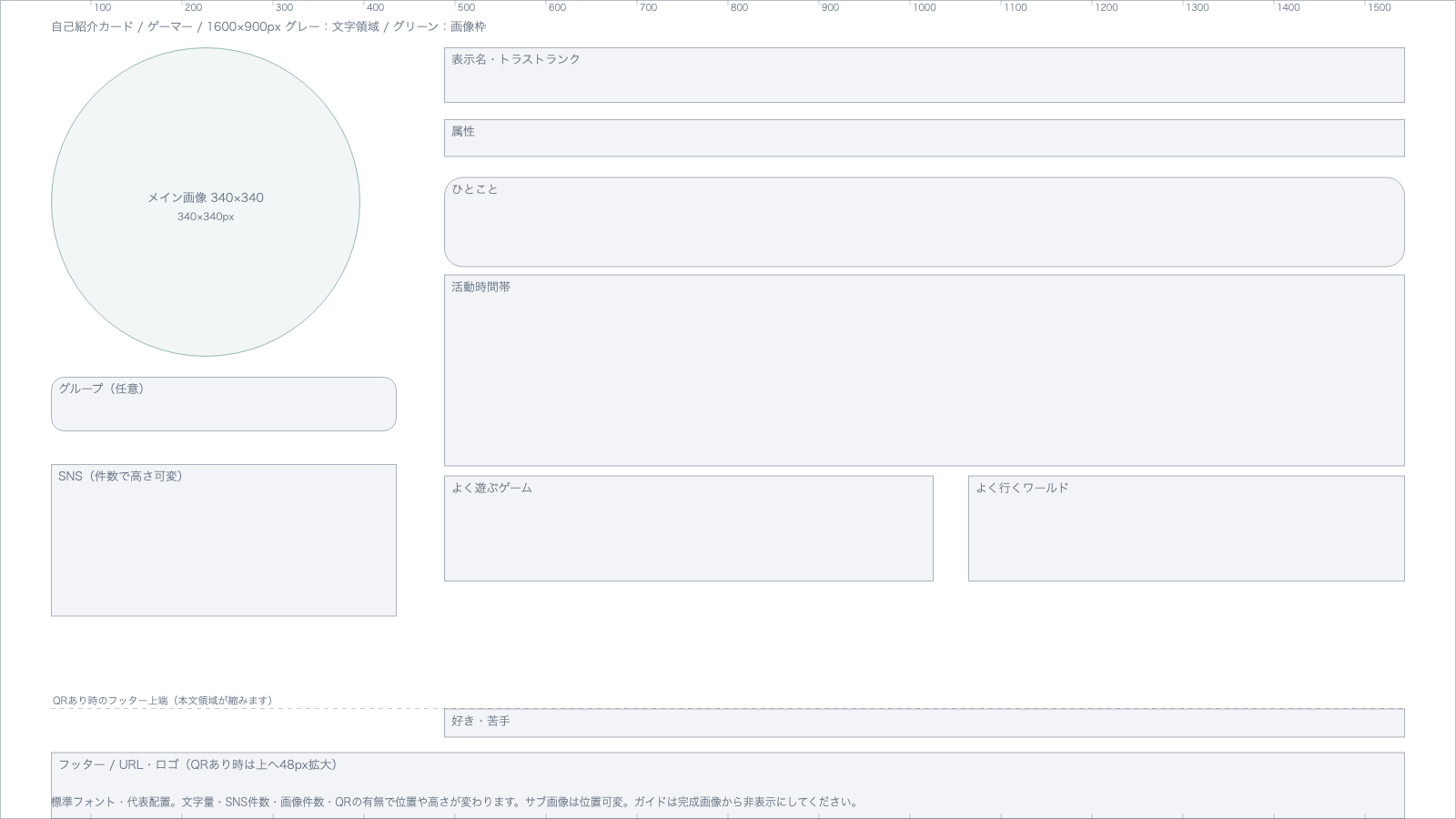
Gamer
Download Gamer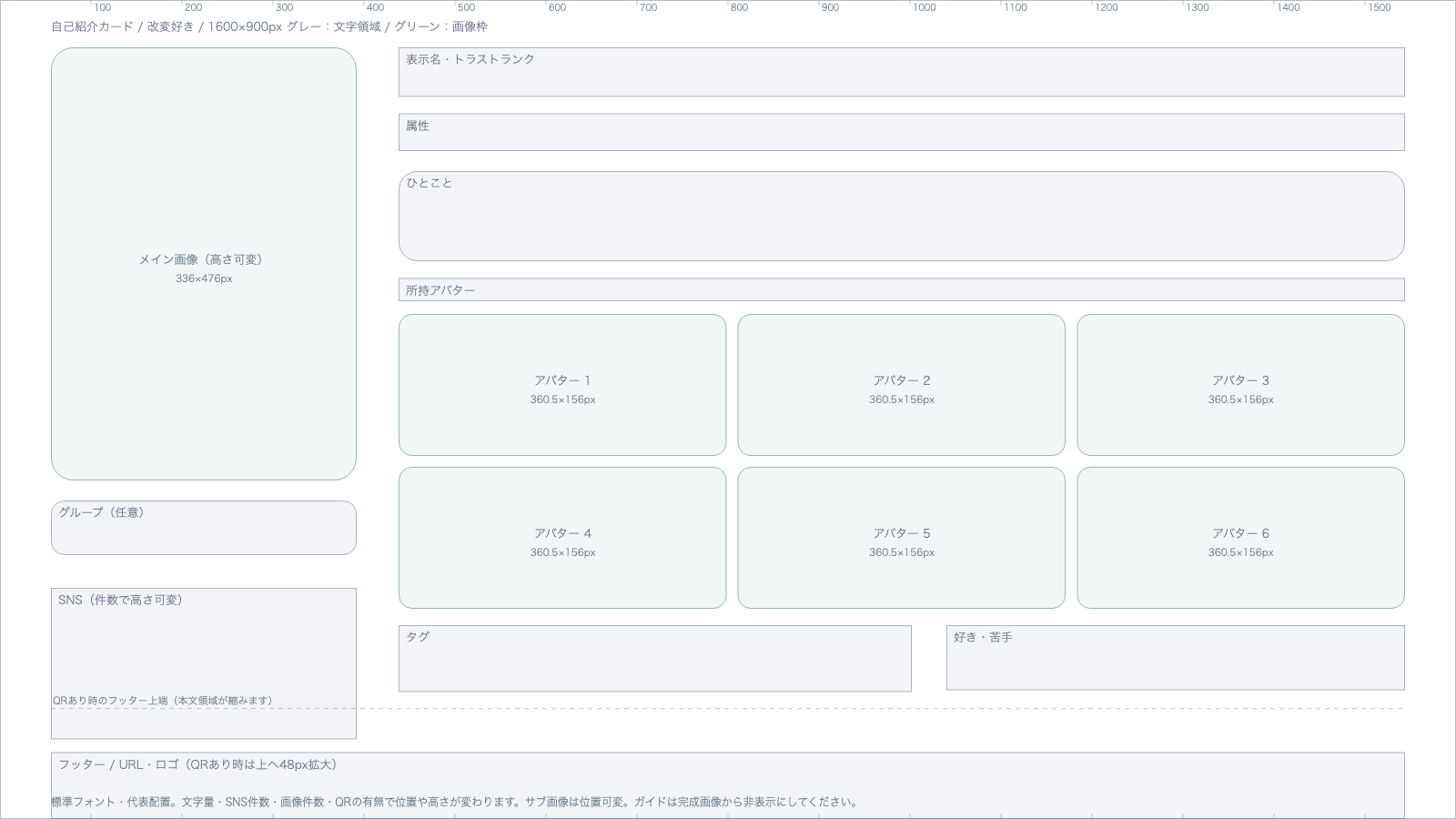
Avatar modder
Download Avatar modder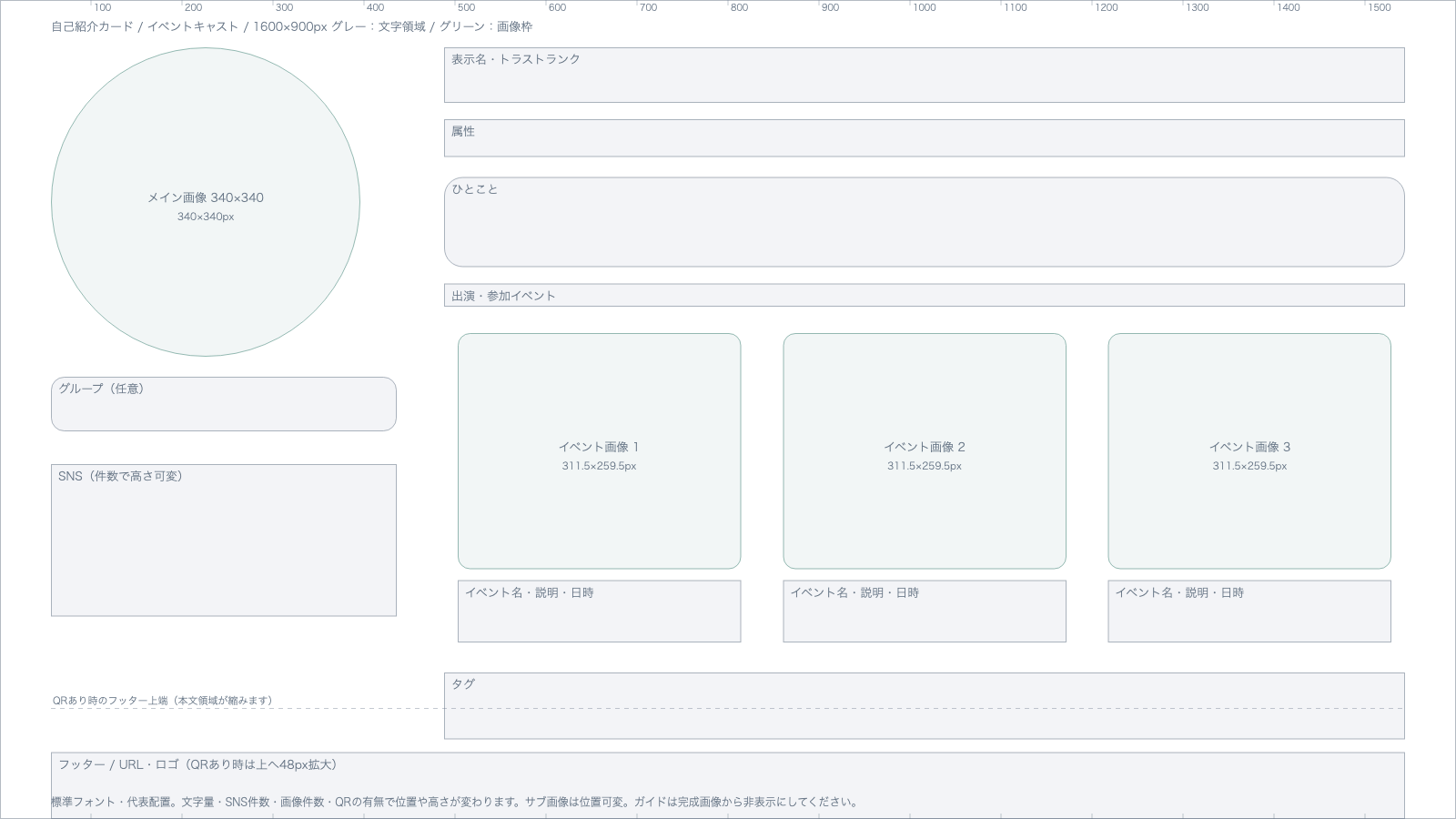
Event cast
Download Event cast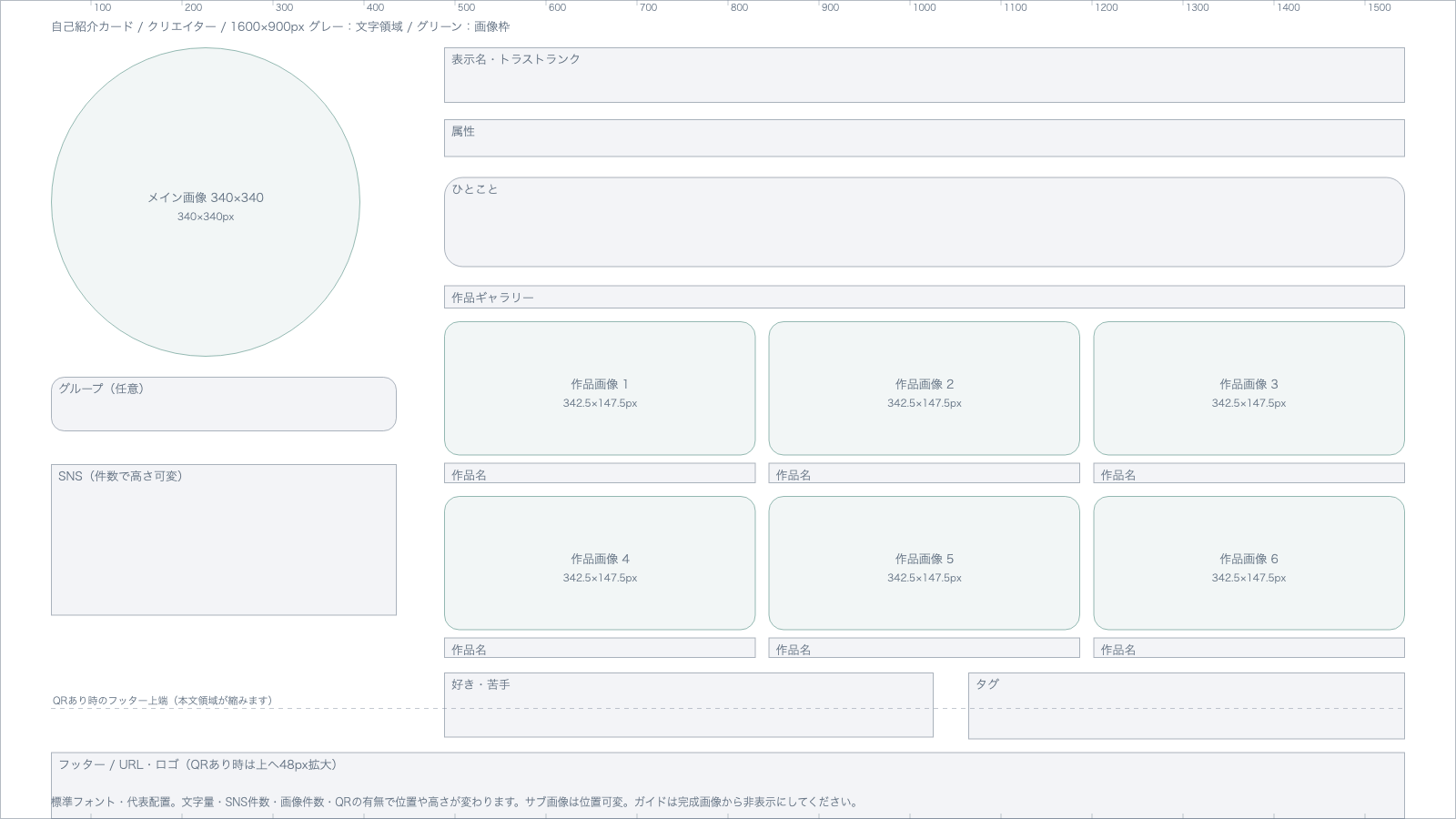
Creator
Download Creator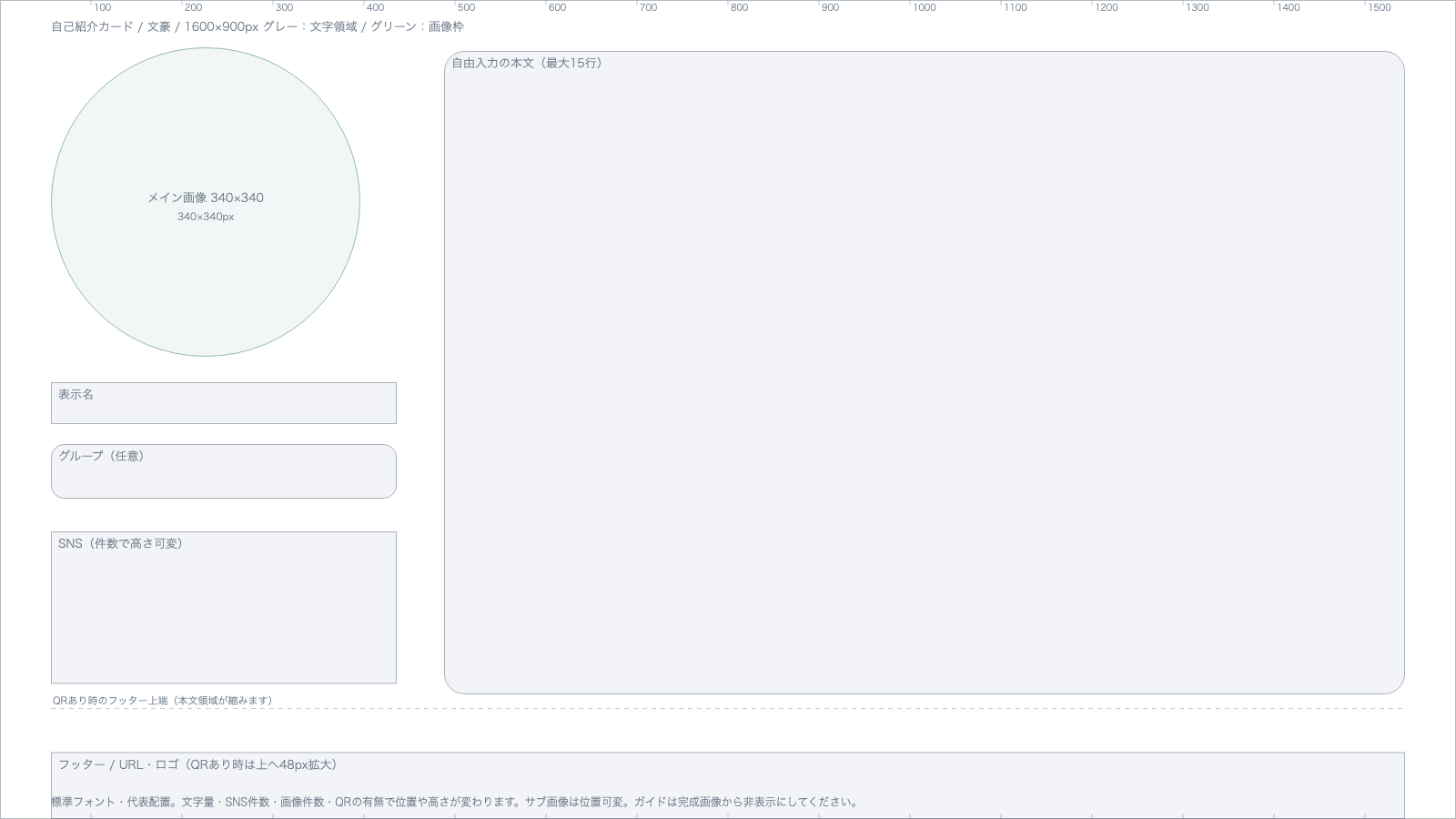
Writer
Download Writer
"Custom" has no template, because the arrangement differs from person to person. For how to read the templates and set the images, see Make a VRChat intro card.
Schedule card
Templates for making background, day box, and frame images for the schedule card. All of them are 1600×900px transparent PNGs. The week view has one per design, and the month view has one per number of weeks in the month.
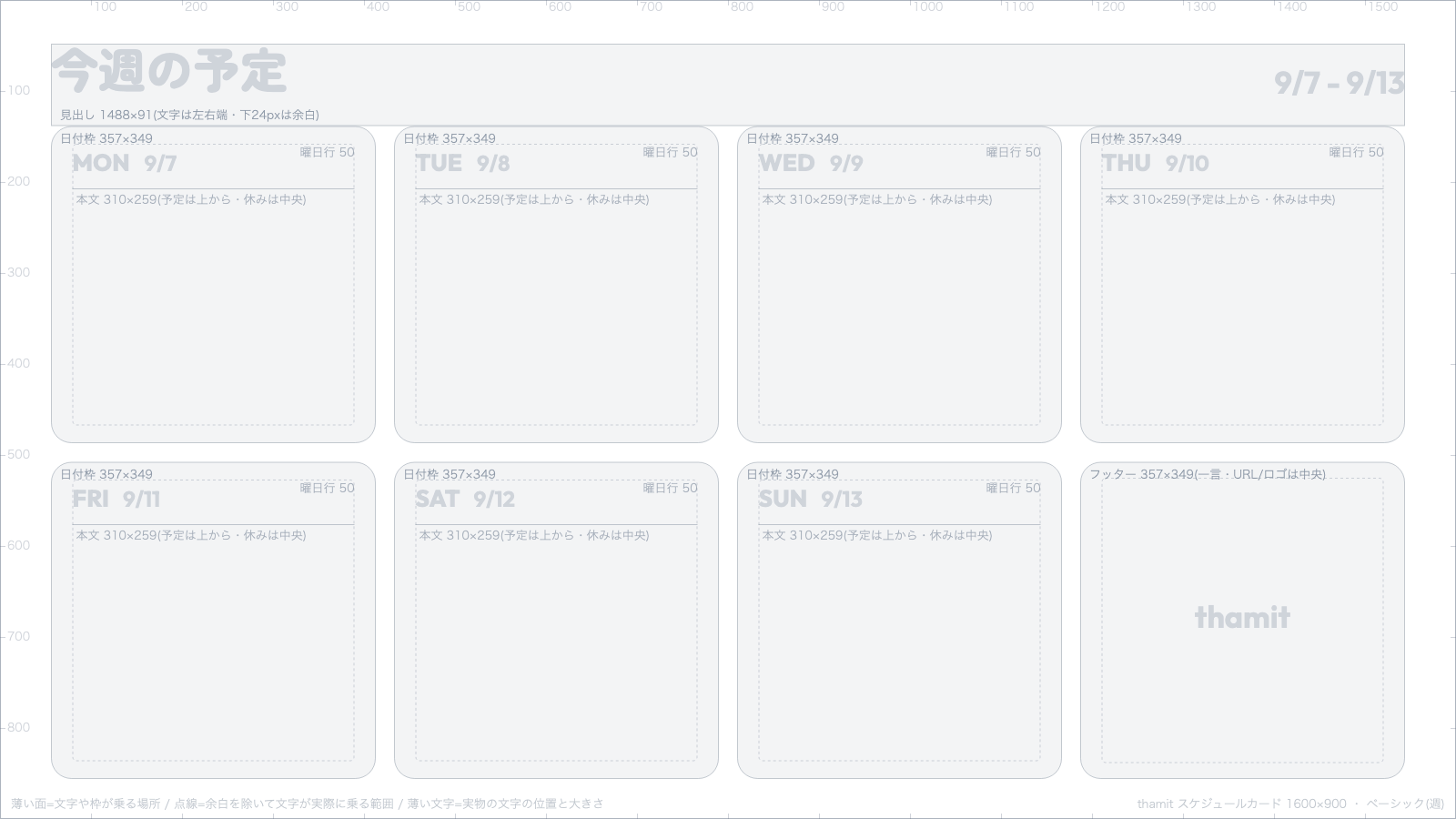
Basic (week)
Download Basic (week)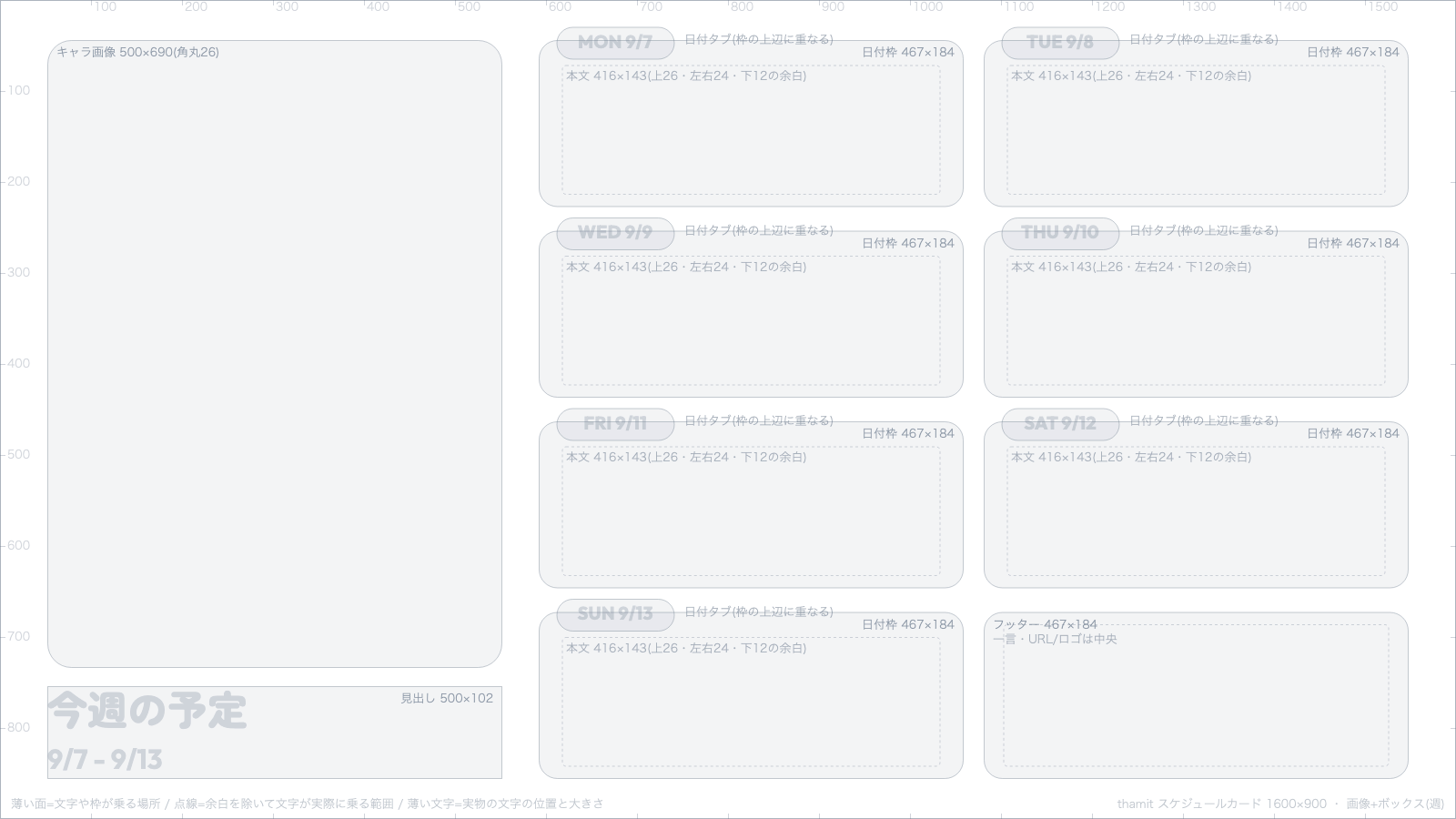
Image + boxes (week)
Download Image + boxes (week)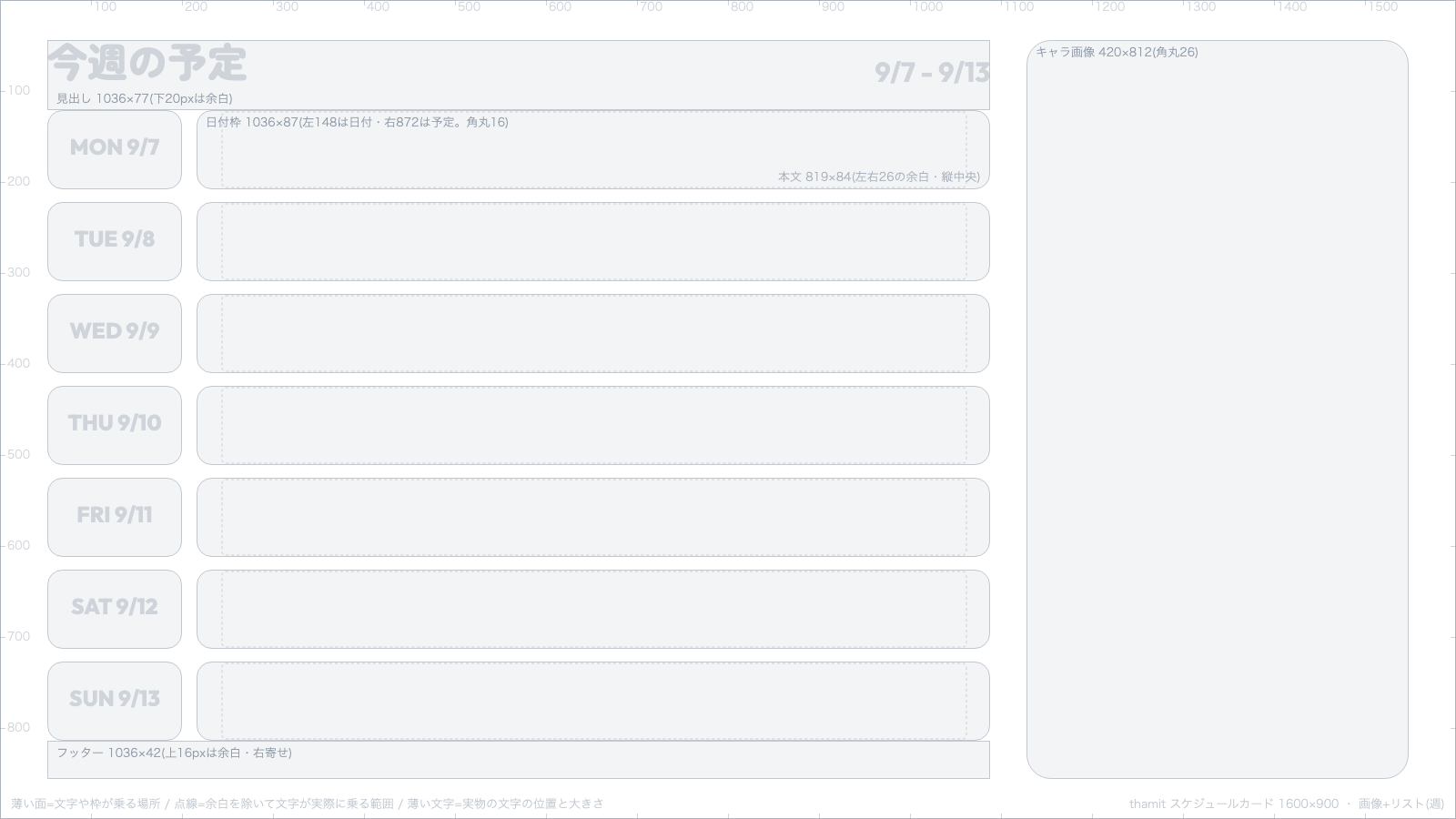
Image + list (week)
Download Image + list (week)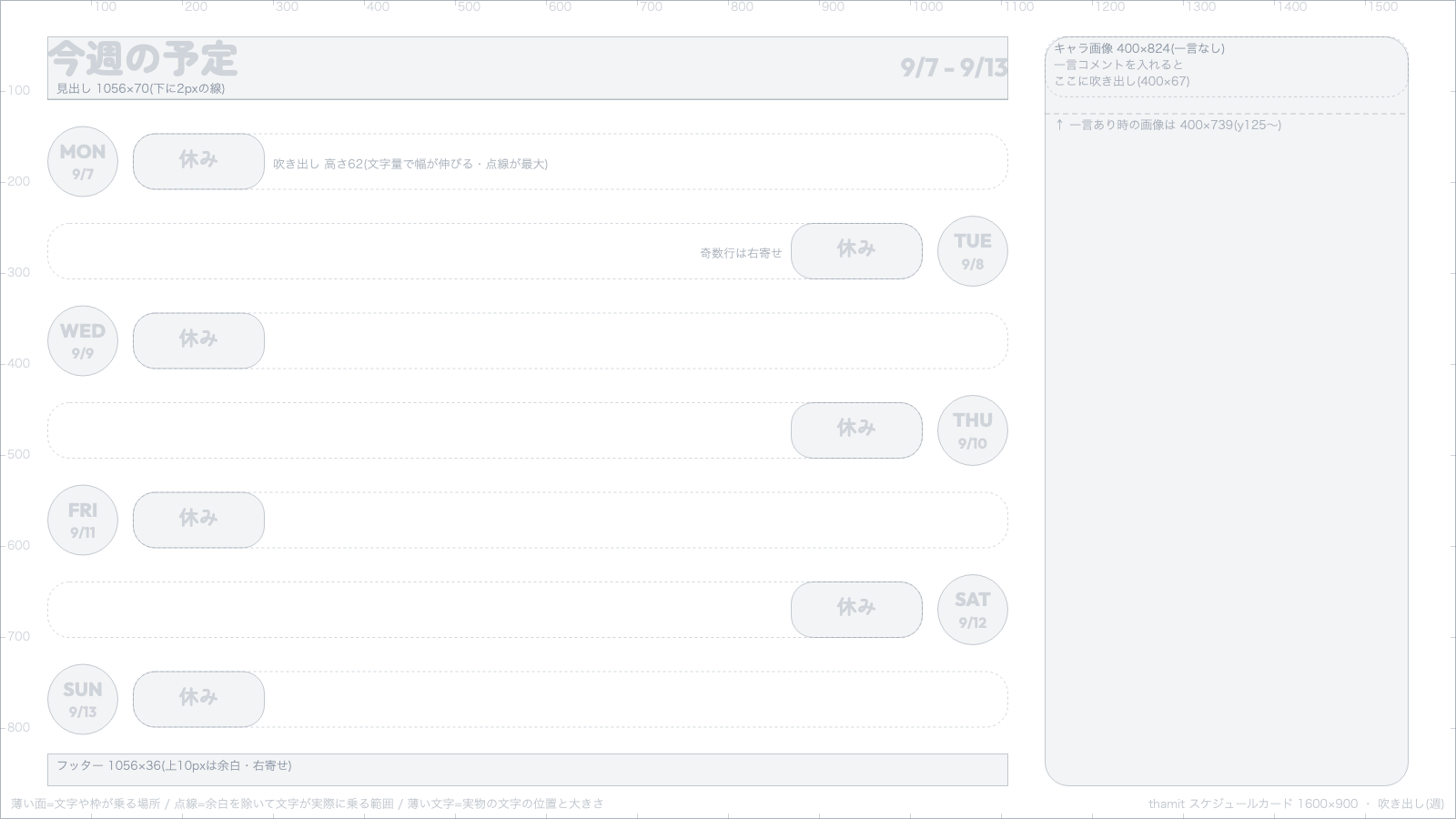
Bubbles (week)
Download Bubbles (week)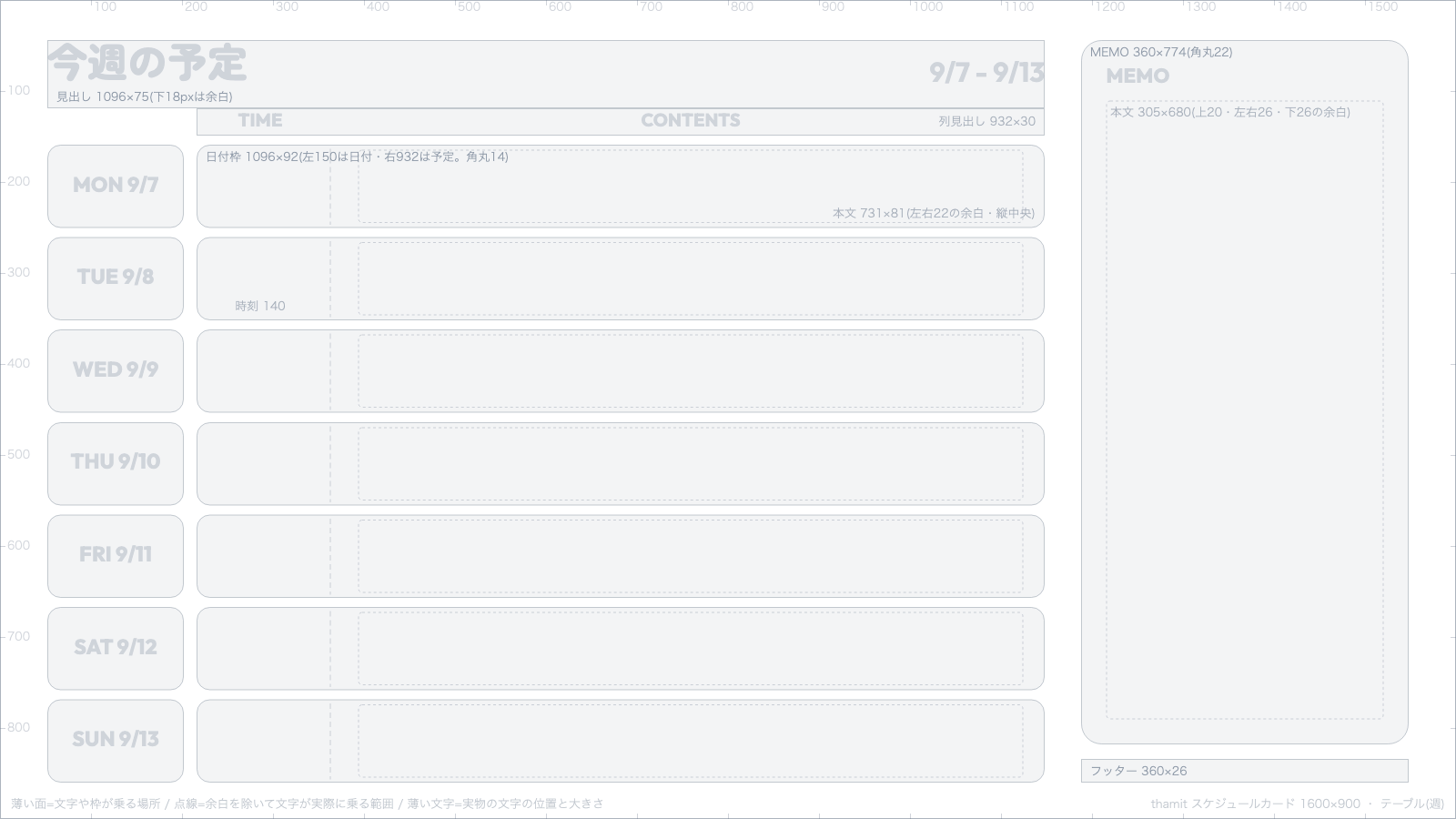
Table (week)
Download Table (week)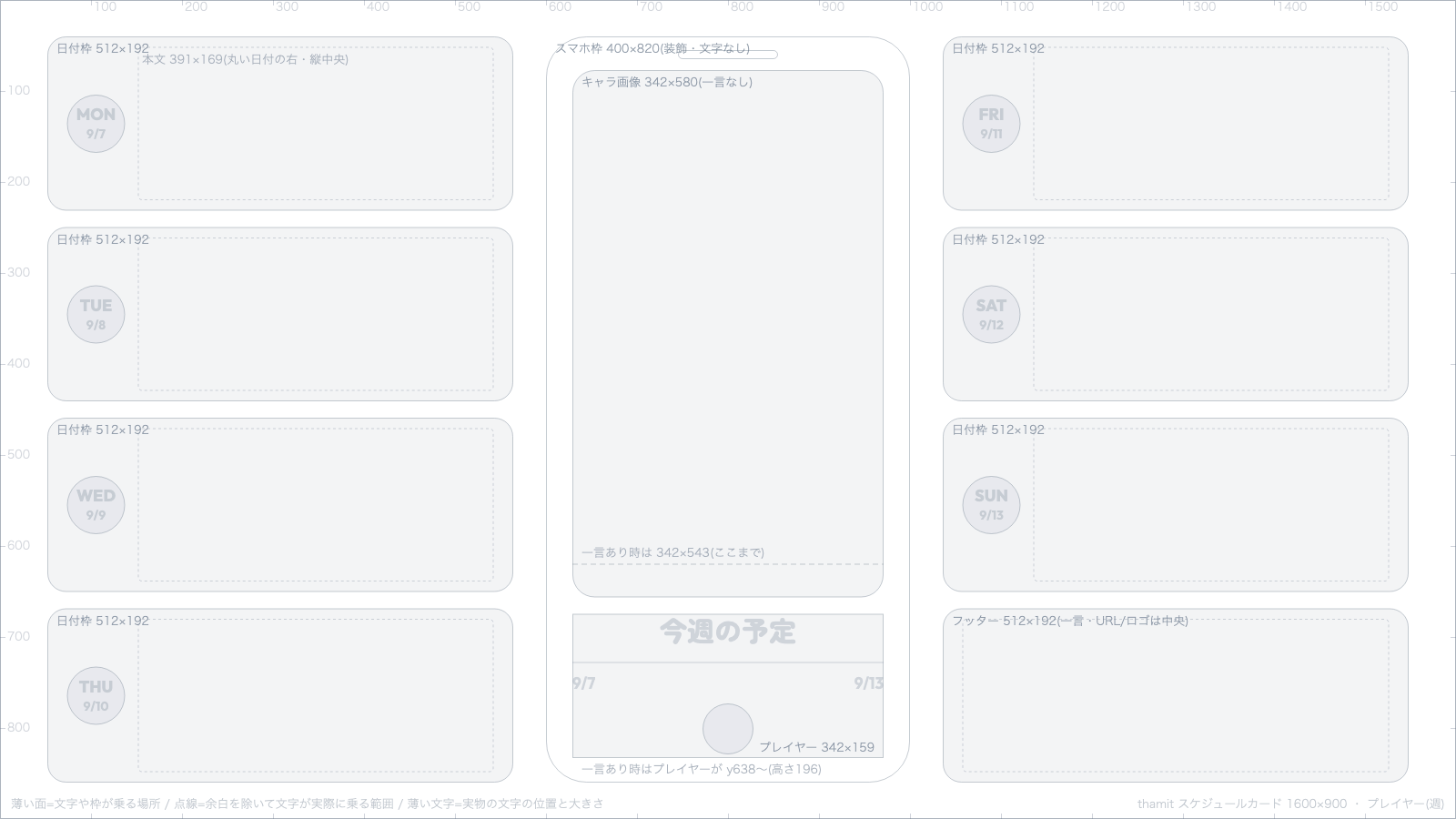
Player (week)
Download Player (week)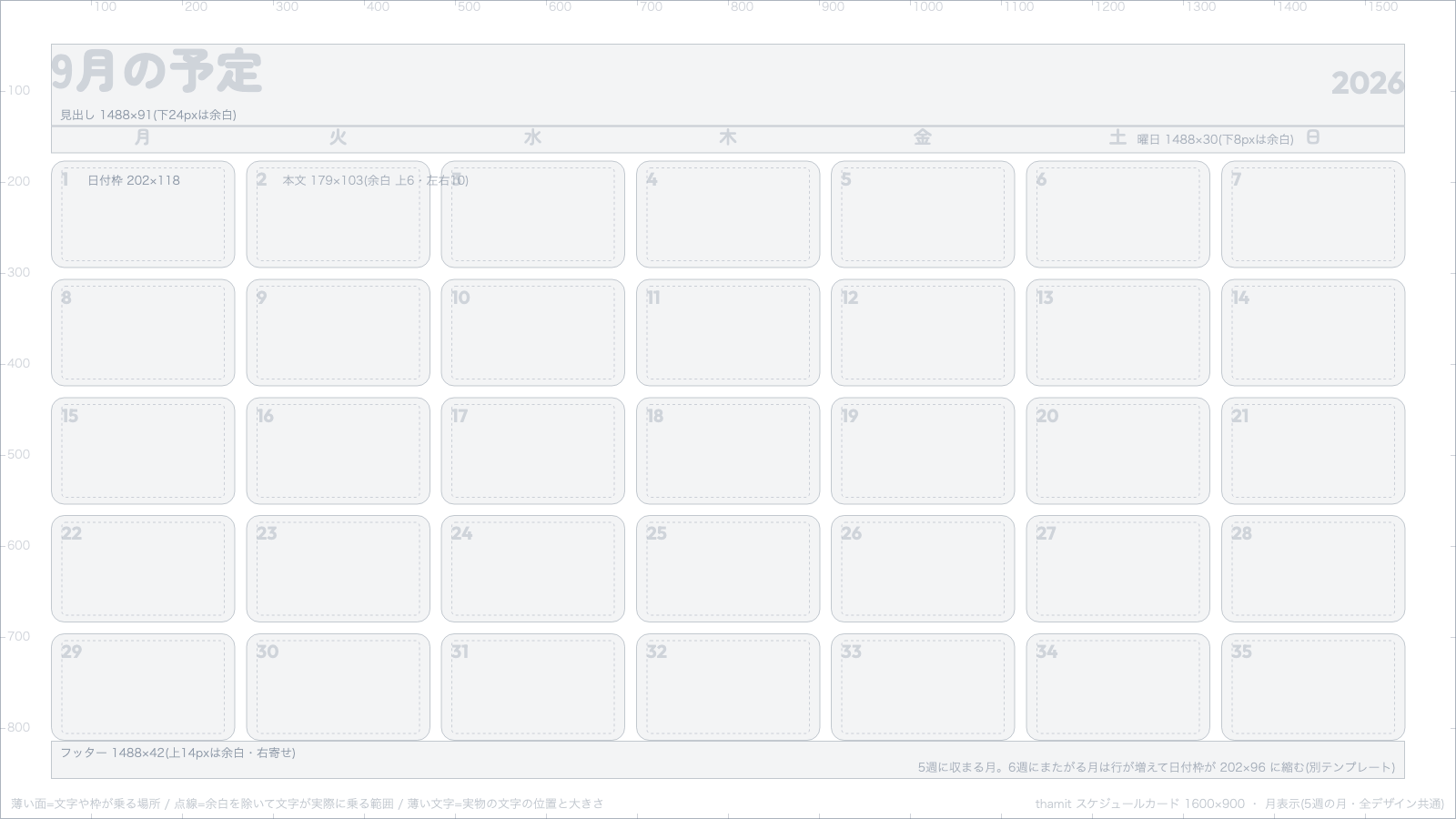
Month view, 5-week months (all designs)
Download Month view, 5-week months (all designs)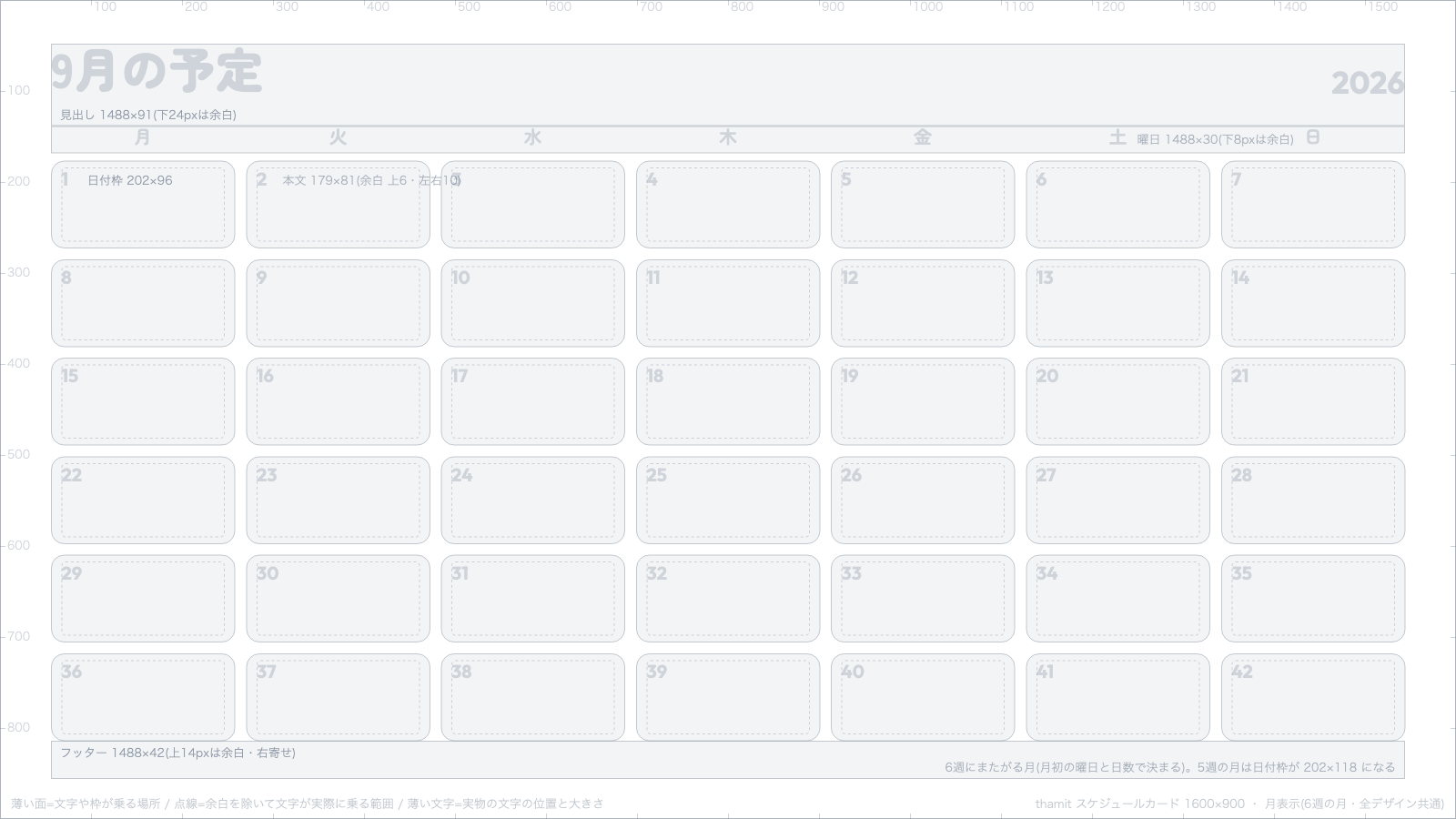
Month view, 6-week months (all designs)
Download Month view, 6-week months (all designs)
How to read the templates, including the day box sizes, is covered in Make a VRChat schedule card.
Icon decoration
A template for making a decoration layered over your page's icon. It is 1200×1200px, and the circle in the center (800 in diameter) is where the icon sits.
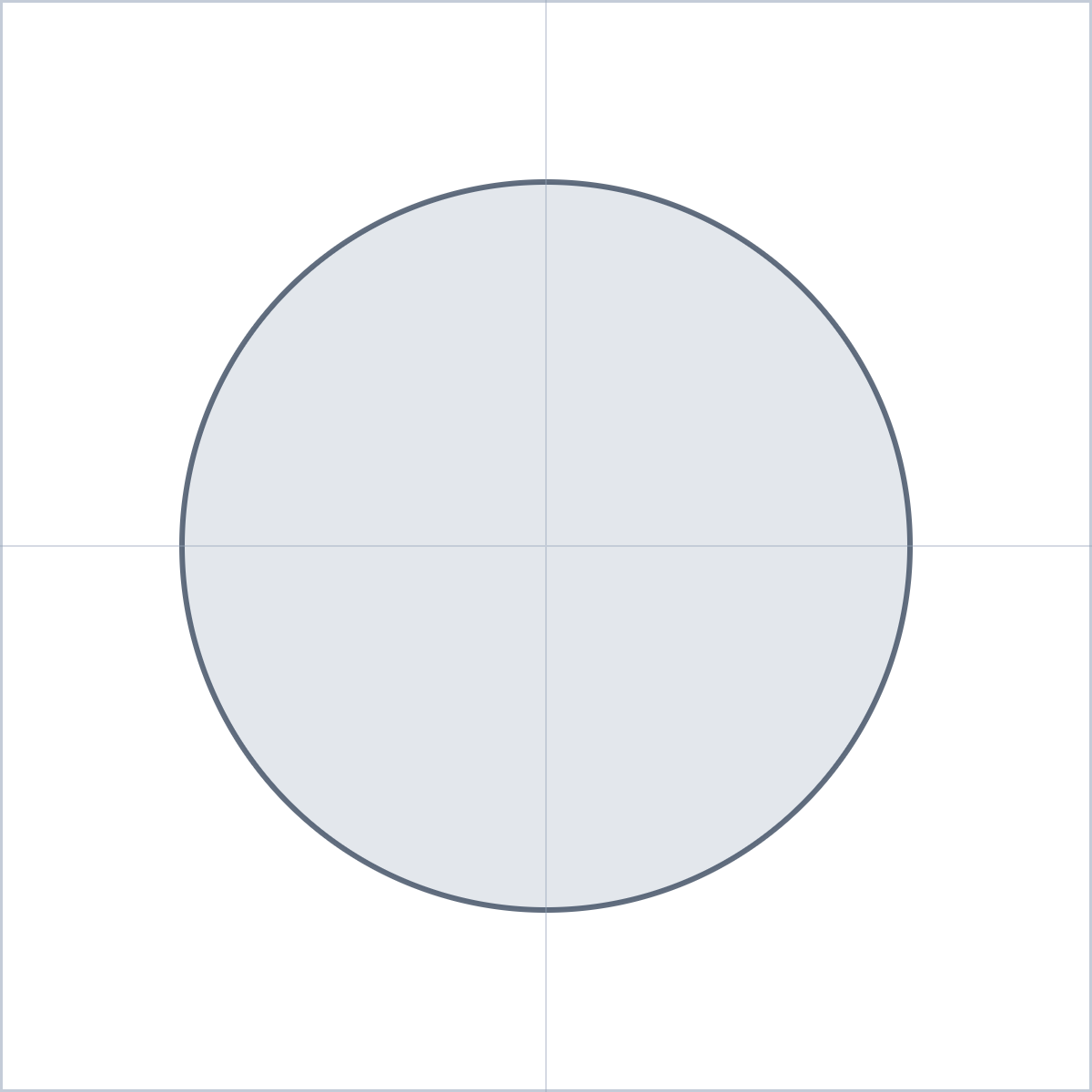
Icon decoration
Download Icon decoration
Distributing and selling what you make
You can distribute or sell materials you drew yourself using a template as an underlay, on BOOTH and elsewhere. You can't distribute or sell the template images themselves. See Distributing and selling your own decorations for the rules.